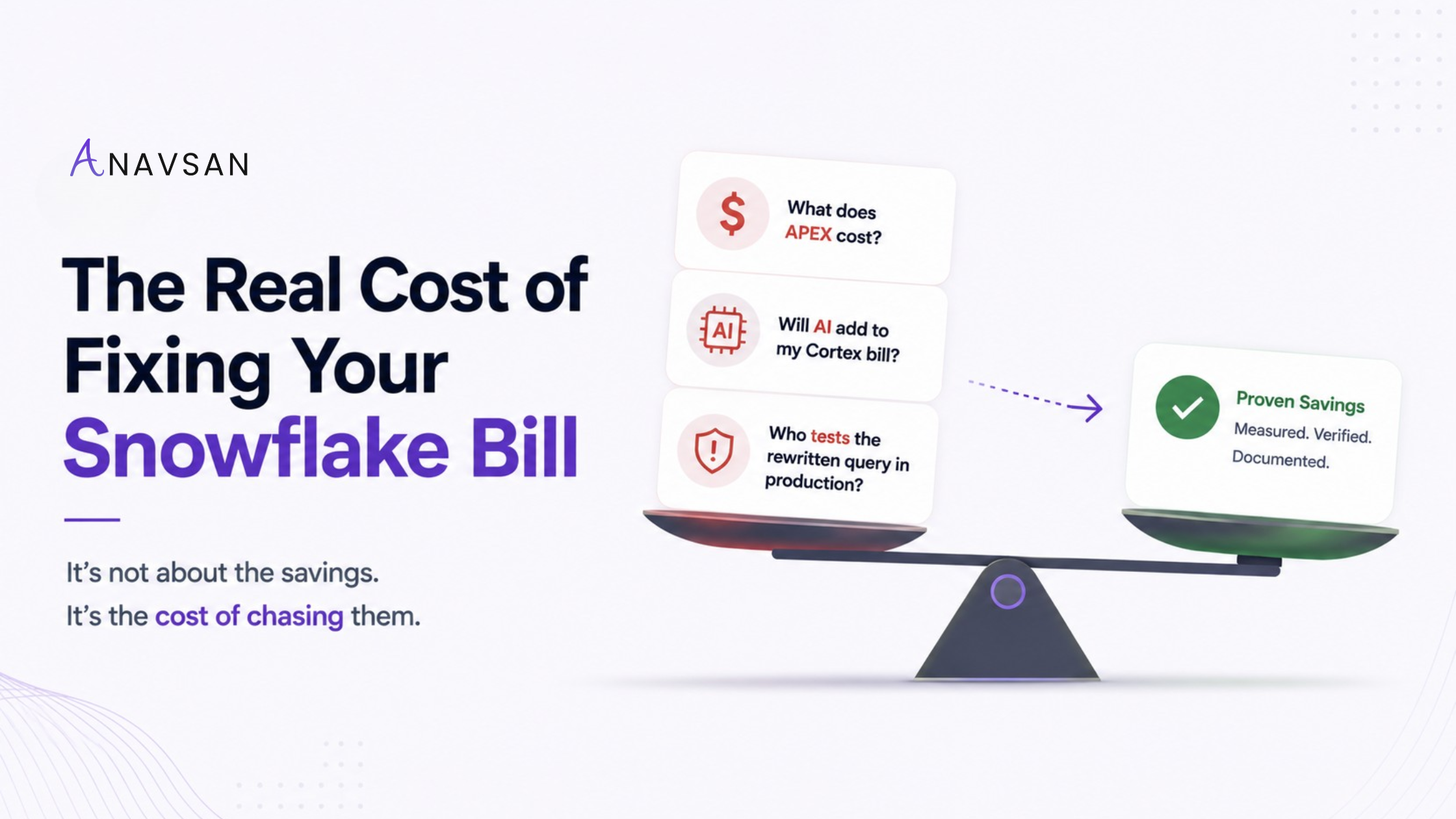
Three fears stop teams from optimizing: the price of the tool, the AI spend the tool adds, and the testing burden after a query is rewritten. Here is the honest answer on all three.
If your Snowflake commitment is burning down faster than your contract assumed, you already know optimization is overdue. What stops most teams isn't whether the savings are real — it's the fear of what chasing them costs.
We hear the same three objections on nearly every call. They're good objections. A team that's already over budget is right to be skeptical of any tool that promises to help by spending more of their money. So instead of answering with a slogan, here's how each one actually works — including the parts most vendors leave out.
A subscription line you can see before you start — not a percentage of savings you can't predict.
The reasoning runs on our side. The only Cortex your account touches is generating each fix — and you see what it cost against what it saved, on every one.
Your owner does — through your existing review and test process, on a change that arrives already proven for savings.
Fear 01 — The Tool: What APEX Costs, and Why It's a Line You Can See
Plenty of cost tools price as a percentage of "savings found." That sounds aligned until you try to forecast it: the number is unknowable until the work is done, and it quietly rewards the vendor for finding expensive problems rather than closing them.
APEX is priced as a subscription you can read off the page before you commit. Monitoring starts free for one account; Accountability — ownership routing, sign-off, and the documented renewal record — is priced per account; and Enforcement at scale is a defined share of governed spend. No surprise true-up at renewal. The point of the tool is to protect the commitment you already signed, so the cost of the tool is something you can put in the same forecast.
The tool that protects your commitment should be a number you can put in the forecast — not one you discover after the fact.
Fear 02 — The Cortex Bill: Will Optimizing with AI Quietly Raise the Bill It's Supposed to Cut?
This is the sharpest objection, and the most reasonable. Snowflake now bills AI as its own currency. AI Credits are flat-priced and separate from your platform credits, and a single careless AI call across a large table can cost real money. So when a vendor says "we use AI to optimize your queries," the right reflex is: whose AI budget?
Here's how APEX is built, because the architecture is the answer.
The reasoning runs on our side — not your Cortex
APEX sweeps your account on a fixed schedule, every four to six hours. The expensive part of that work — triaging anomalies, matching them against everything the engine has already learned about your environment, deciding what's worth acting on, and attributing each one to an owner — runs inside Anavsan, on operational metadata only. It reads credit signals, query fingerprints, warehouse and object identifiers, and ownership tokens. It does not read your query bodies or table data, and it does not spend your Cortex credits to think.
That single design choice is what collapses the cost. The vast majority of APEX's intelligence never touches your AI bill at all.
The only thing that touches your Cortex is generating the fix
When APEX has identified a worthwhile fix, it generates the rewrite using Cortex Code, grounded in your organization's own context — running natively inside your account, with no data movement. That step uses your Cortex. But notice what it's tied to: it isn't per query, or per sweep, or per anomaly. It's one generation per fix that's actually worth shipping. Your Cortex spend tracks the number of fixes you ship — not the millions of queries you run.
That's the structural reason this stays small, and it doesn't depend on an estimate. The work that scales with your query volume — the reasoning — runs on our side. The work that touches your Cortex scales only with fixes shipped, which is a far smaller number by design.
And the share that needs a fresh generation shrinks as APEX learns your environment — more fixes resolve against patterns it has already proven, so the trend bends down over time, not up.
But here's the part that should actually put the fear to rest, because it doesn't ask you to trust a projection: every fix shows the Cortex it cost against the credits it recovered. You don't take the ratio on faith and hope it holds — you watch the net on every single fix, starting on day one of the trial. If the math ever stopped working, you'd see it on the first card, not at renewal.
The reasoning is ours. The fix runs in your account. And you never take the cost on faith — every fix shows what it spent against what it saved.
Fear 03 — The Testing: Who Validates a Rewrite That's Already in Production?
This is the fear that actually stalls optimization programs — and rightly so. A query feeding executive dashboards or a downstream pipeline can't just be swapped because an optimizer thinks it found a cheaper plan. Someone has to be sure the rewrite returns the same answer. So the honest question is: does APEX hand my team a pile of risky rewrites to test, or does it help them do the testing?
The honest answer: APEX does not push rewrites into your production pipelines. It does the slow, expensive parts of validation for the owner, then hands them a change that's ready to move through the review and test process they already trust. Here is exactly how a fix travels.
Before a fix is proposed for deployment, the Credit Simulator compares the original and rewritten query plans on the same warehouse and projects the credit impact. The owner sees the savings — and the new plan — with zero execution risk, before production is touched.
The rewrite arrives as a GitHub pull request on a branch — in your repo, in your existing review flow. It runs through the same CI and dbt tests you already gate production with. APEX feeds your test suite; it doesn't bypass it.
Production changes are explicitly the human-accountable path. APEX identifies the owner and ships the context explaining why the fix is right for your environment — prior patterns on that warehouse, the projected delta — so the review is fast and informed, not a from-scratch investigation. A person approves and merges.
After merge, the next sweep confirms the credit actually dropped. A fix is only marked resolved when the savings show up in production — which is the proof that lands on your renewal record.
So the testing stays where it belongs: with the owner of the workload and the test suite you already run. What changes is the burden. Today, the slowest parts of an optimization aren't the fix itself — they're figuring out who owns the query, and proving the savings are real before anyone risks a deploy. APEX removes both. Your engineer reviews a pre-validated, evidence-backed change instead of starting from a blank diff.
- It does not auto-apply rewrites to production. Every production change is reviewed and merged by a person.
- It does not replace correctness testing. The Simulator validates cost and query plan — not that the rewrite returns identical business results. That's what your dbt tests and the owner's review confirm.
- It does not remove the engineer from the loop on production changes. That's the design, not a limitation. Accountability is the product.
If a vendor tells you their AI will rewrite and ship to your production pipelines untouched, that's not a feature to envy — it's the risk you were right to fear. APEX is built the other way on purpose.
The Whole Picture: Add It Up
For a large Snowflake account weighing whether to optimize ahead of an early renewal, the three costs you were worried about look like this:
| Cost factor | What it actually looks like |
|---|---|
| APEX subscription | A forecastable line |
| Cortex your account spends to optimize | A rounding error, shown net |
| New testing headcount required | None |
| Testing burden on your existing team | Lower, not higher |
| What's recoverable on a mid-six-figure bill | Tens of $1,000s+ |
The reason teams hesitate is that they assume optimization means spending more to maybe save more. The structure says otherwise. The AI spend is bounded to fixes shipped, never your query volume, and shown net against what it saved. The testing cost is a process you already own, made lighter. And the savings are the part you can prove on the record at renewal.
You don't have to take any of this on faith. The fastest way to see it is to watch it on your own workloads — the Cortex cost shown against recovered credits on every fix, the validation flowing through your own tests, the savings confirmed by the next sweep.
See the three numbers on your own account
Connect in minutes, metadata only. Day-one attributed burn report. Watch every fix show its Cortex cost against the credits it recovers.