Learn why repeated Snowflake queries can still consume credits, how result cache reuse works, and how teams can improve workload governance by reducing unnecessary recomputation.
Introduction
Snowflake cost governance is not only about warehouse size. It is also about workload behavior. One of the easiest cost leaks to miss is the repeated uncached query.
This happens when the same or similar query runs again and again, but Snowflake cannot reuse the previous result. Instead of returning a cached result, the warehouse recomputes the answer. That means more execution time, more warehouse activity, and more credits consumed.
This is common in BI dashboards, scheduled reports, exploratory SQL, notebooks, reverse ETL jobs, and partner tools. A query that looks harmless once can become expensive when it runs hundreds or thousands of times a week without cache reuse.
The simple idea is this:
If the answer has not changed, Snowflake should not have to keep recomputing it. But in real workloads, cache reuse often breaks.
What is Snowflake result cache?
When a query runs in Snowflake, the result can be persisted for a period of time. If the same query is submitted again and the required reuse conditions are met, Snowflake can return the previous result instead of executing the query again.
This is powerful because the warehouse does not need to repeat the same scan, join, aggregation, or sort. For repeated analytical workloads, result reuse can dramatically reduce execution time.
From a cost governance perspective, result cache is important because it can reduce repeated compute work. If a dashboard tile, report, or analyst query asks the same question multiple times, a cache hit can avoid unnecessary warehouse consumption.
But this only helps when Snowflake can safely reuse the result.
Why repeated uncached queries increase costs
Repeated uncached queries waste credits because Snowflake recomputes work that may not need to be recomputed.
The cost pattern looks like this:
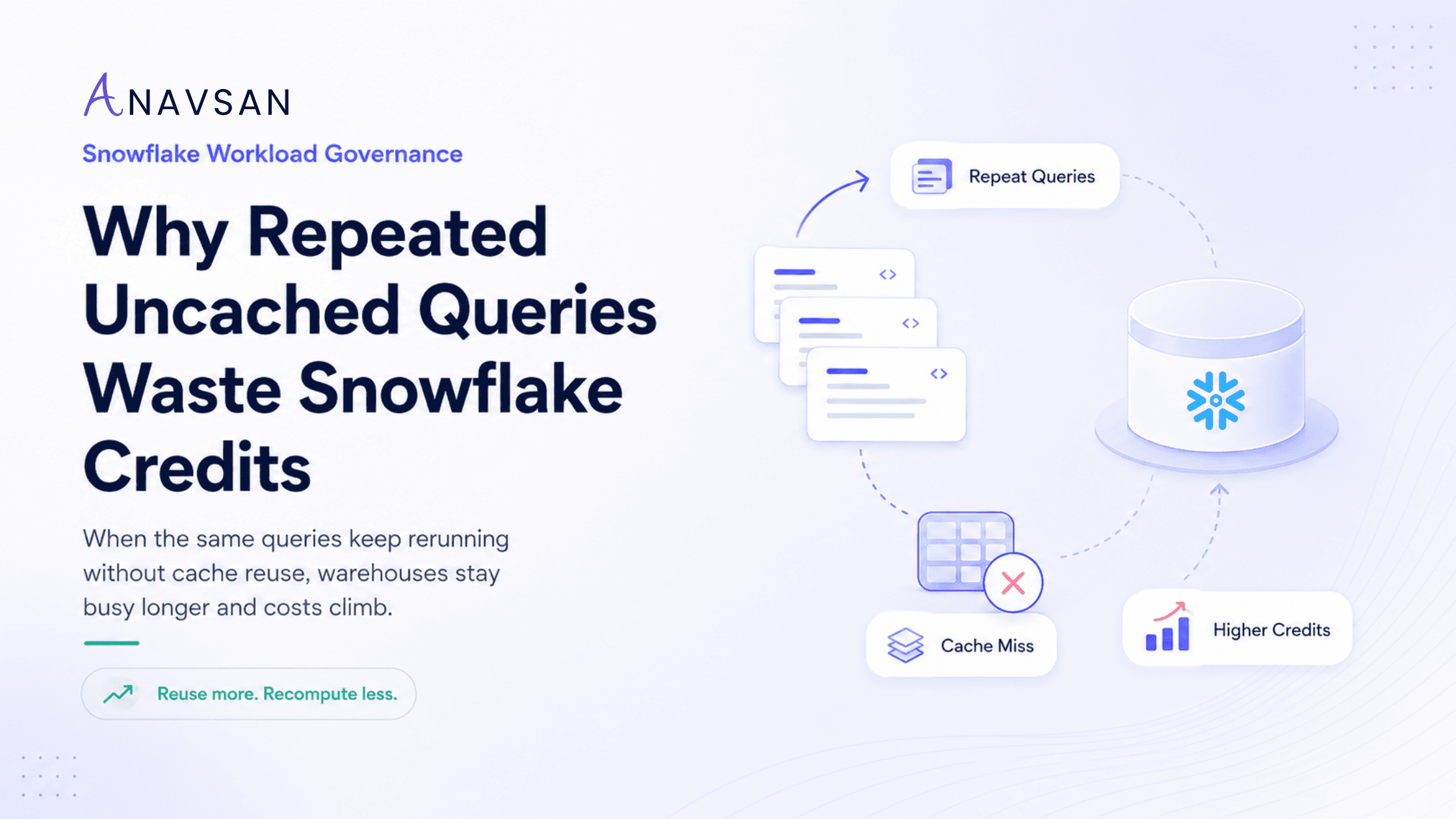
Same business question → cache miss → query executes again → warehouse runs longer → more credits consumed.
This becomes especially expensive when the query is heavy. For example:
- A dashboard refresh repeats the same aggregation every few minutes.
- A BI tool generates slightly different SQL each time.
- A scheduled report reruns a large query even though the underlying data has not changed.
- A notebook user repeatedly tests the same query with minor formatting changes.
- A transformation job recalculates the same intermediate result instead of reusing a stable output.
In each case, the issue is not only that Snowflake is being used. The issue is that the workload is repeating work without governance.
Why cache reuse fails
Result cache reuse can fail for several reasons. Some are expected. Others are avoidable.
1. The query text changes
Snowflake result reuse is sensitive to whether the new query matches the previous query. Even small differences in syntax, formatting, aliases, or generated SQL can prevent full reuse.
This matters for BI and data applications because tools often generate SQL dynamically. Two queries may answer the same business question, but if the query text changes, they may not benefit from the same cached result.
2. The underlying data changes
If the table data used by the query changes, Snowflake cannot safely reuse an old result. This is correct behavior.
But teams should still ask whether every query needs to run against constantly changing tables. Some dashboards may not need minute-by-minute freshness. Some reports can run against curated summary tables that refresh on a known schedule.
3. The query uses non-reusable functions
Queries that include functions returning different values across runs may not be reusable. Examples include random values, generated UUIDs, or other logic that intentionally changes each time.
This is expected, but it can become a hidden cost issue when non-deterministic functions are used inside repeated dashboards or reporting queries where they are not actually needed.
4. Cached result reuse is disabled
Snowflake has a USE_CACHED_RESULT parameter that controls whether matching persisted results can be reused. If this is disabled at the account, user, or session level, repeated queries may execute again even when a matching cached result exists.
For most cost-conscious analytical workloads, teams should know where and why cached results are disabled.
5. The workload pattern changes constantly
Some queries are technically different every time because they include changing timestamps, session-specific filters, dynamic literals, or automatically generated query fragments.
This is common in dashboards where every refresh injects a new time window, user filter, or parameter value. Some variation is necessary. But unnecessary variation can destroy cache reuse.
Why this is a governance issue
Repeated uncached queries are not just a technical optimization issue. They are a workload governance issue.
A warehouse dashboard may show that a BI warehouse consumed many credits. But that does not explain whether the cost came from useful new analysis or avoidable recomputation.
To govern repeated queries properly, teams need to know:
- Which queries run repeatedly?
- Which repeated queries miss cache?
- Which dashboards, reports, jobs, or users trigger them?
- How expensive are they per run?
- How often do they repeat?
- Does the result actually need to be recomputed?
- Who owns the workload?
- What fix would improve reuse?
Without this context, teams often respond by resizing warehouses or setting budget alerts. Those actions may help, but they do not fix the repeated workload pattern.
Common examples of repeated uncached queries
BI dashboard refreshes
Dashboards are one of the most common sources of repeated queries. A dashboard may contain many tiles, each tile may run a query, and every viewer or refresh cycle may trigger another round of queries.
If the SQL changes slightly each time or the filters are too dynamic, cache reuse may be limited.
Scheduled reporting
Daily or hourly reports often recompute similar metrics. If the underlying data refreshes only once per day, but the report runs every hour, the team may be paying for repeated computation with no meaningful freshness benefit.
Analyst exploration
Analysts often rerun similar queries while debugging or exploring. This is normal. But repeated heavy queries on production warehouses can become expensive if they scan large tables repeatedly without cache reuse.
Data applications
Embedded analytics and internal data apps can generate high query volume. When many users request the same metrics, cache reuse can help. But if every request produces unique SQL, compute cost can increase quickly.
Transformation pipelines
Some pipelines repeatedly calculate the same intermediate result. If the result is stable and reused downstream, it may be better to materialize it intentionally rather than recompute it repeatedly.
How to improve cache reuse
1. Identify repeated query patterns
Start with query history. Look for queries with similar text, similar query hashes, repeated execution, high runtime, or high bytes scanned. The best candidates are repeated queries that are expensive and run frequently.
Do not focus only on the single most expensive query. A moderately expensive query that runs hundreds of times can be a bigger cost leak than one heavy query that runs once.
2. Standardize dashboard SQL where possible
BI tools often generate SQL automatically, but teams can still influence dashboard design. Use consistent filters, avoid unnecessary dynamic expressions, and reduce unnecessary parameter changes.
When dashboards ask the same question, try to make the generated query stable enough to benefit from cache reuse.
3. Avoid unnecessary non-deterministic functions
Do not use random values, generated UUIDs, or always-changing timestamps in repeated analytical queries unless they are truly needed. If a query includes constantly changing logic, it is less likely to reuse a previous result.
4. Review USE_CACHED_RESULT
Check whether cached result reuse is enabled for the relevant account, users, and sessions. If it is disabled, document why. Some workloads may require fresh execution, but many reporting and analytics workloads benefit from reuse.
5. Align refresh frequency with data freshness
If the underlying data refreshes once per day, a dashboard does not always need to recompute every five minutes. Match dashboard and report refresh schedules to the actual freshness requirement.
This is one of the simplest ways to reduce unnecessary repeated queries.
6. Materialize stable intermediate results
If many workloads calculate the same expensive metric repeatedly, consider using a table, dynamic table, materialized view, or scheduled model where appropriate. The right approach depends on freshness needs, cost trade-offs, and operational complexity.
The goal is not to materialize everything. The goal is to avoid recomputing the same expensive logic unnecessarily.
7. Assign ownership to recurring workloads
A repeated uncached query should not be an anonymous cost item. It should have an owner: a dashboard owner, pipeline owner, analytics team, application team, or business unit.
Ownership makes optimization practical. Without ownership, the same query keeps running, the same warehouse keeps consuming credits, and the same alert appears again next month.
Practical checklist for data teams
Use this checklist when reviewing repeated uncached Snowflake queries:
- Does this query run frequently?
- Does it answer the same business question each time?
- Is it getting cache hits or recomputing?
- Is the query text changing unnecessarily?
- Is the underlying data changing between runs?
- Are non-deterministic functions preventing reuse?
- Is
USE_CACHED_RESULTenabled? - Is the dashboard refresh frequency too aggressive?
- Can the repeated logic be standardized or materialized?
- Who owns the dashboard, report, job, or application?
- Did the fix reduce runtime and credit consumption?
This checklist turns cache behavior into a governance workflow.
Conclusion
Repeated uncached queries are one of the simplest Snowflake cost leaks to understand, but one of the easiest to overlook.
The problem is not that queries repeat. Repetition is normal in analytics. Dashboards refresh. Reports run. Analysts iterate. Applications request the same metrics.
The problem is paying to recompute the same work when the result could have been reused.
Effective Snowflake cost governance means identifying repeated workloads, understanding why cache reuse fails, assigning ownership, and measuring the impact of fixes. Better cache reuse can reduce unnecessary warehouse runtime, improve user experience, and lower credit consumption without changing the business question.
Start this week by reviewing your most repeated Snowflake queries. Identify which ones are missing cache reuse and whether they come from dashboards, reports, notebooks, or scheduled jobs.
Anavsan helps Snowflake teams move from cost visibility to workload accountability by detecting repeated cost-heavy workloads, assigning ownership, and tracking optimization impact across queries, warehouses, storage, and AI services. Signup here.
See how Anavsan governs your Snowflake costs
APEX detects cost anomalies, assigns them to the owning engineer, and documents savings with proof — automatically.
Frequently Asked Questions
USE_CACHED_RESULT controls whether Snowflake can reuse matching persisted query results when available. If it is disabled, Snowflake executes the query again even if a matching cached result exists.