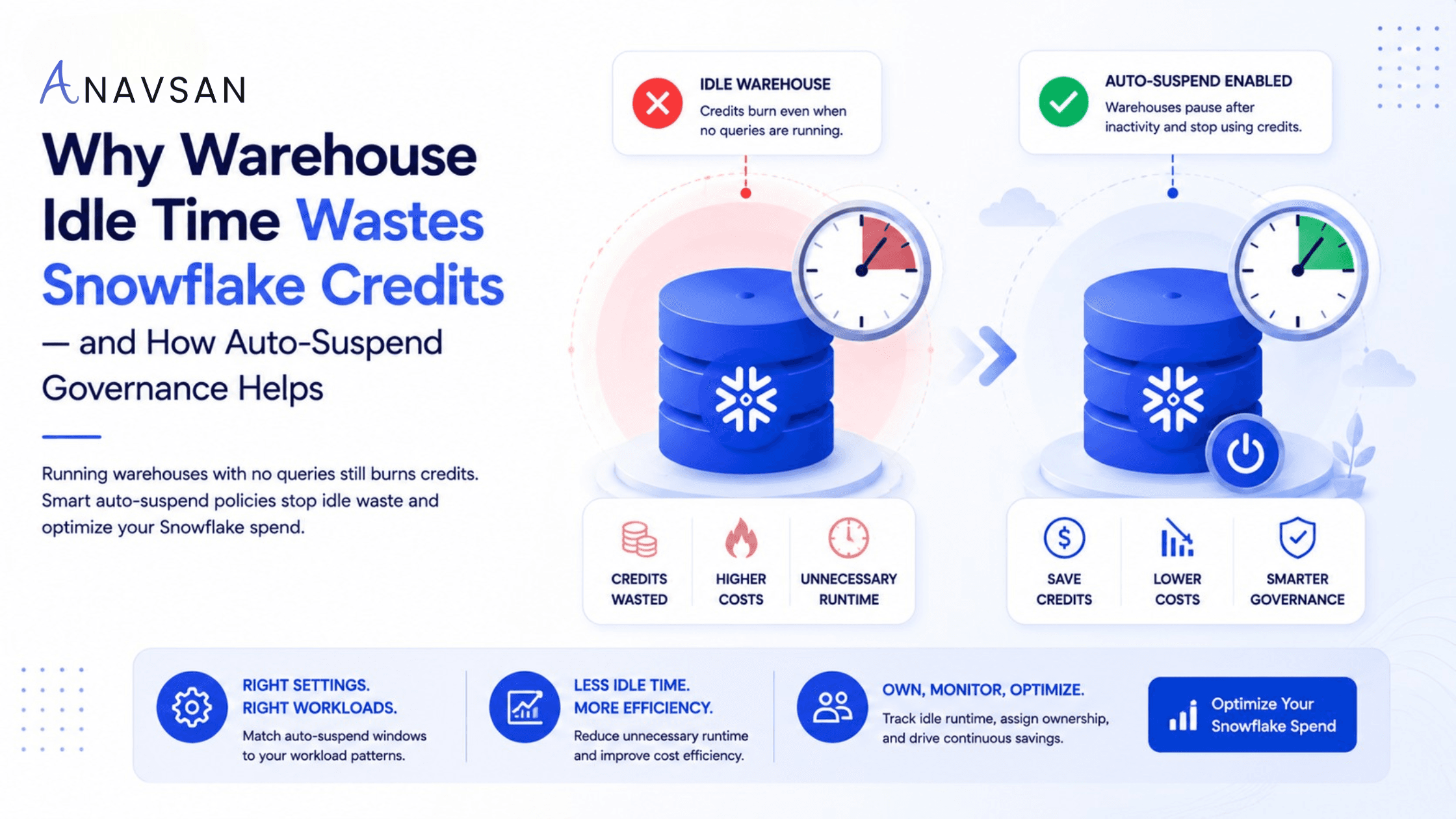
Learn why Snowflake warehouse idle time increases credit consumption, how auto-suspend reduces waste, and how teams can govern warehouse runtime by workload type.
Introduction
Snowflake cost optimization often starts with warehouse size.
Teams ask whether a warehouse is too large, whether queries should run on a smaller warehouse, or whether multi-cluster settings are increasing credits.
Those questions matter. But one of the simplest Snowflake cost leaks is not warehouse size. It is warehouse idle time.
Warehouse idle time happens when a Snowflake virtual warehouse is running but not actively processing queries. The warehouse is available. Compute resources are provisioned. But no useful work is happening.
That idle state can still consume credits.
In simple terms:
Running warehouse + no queries = avoidable credit burn.
This is why auto-suspend is one of the most important controls in Snowflake cost governance. But auto-suspend should not be treated as a one-time setting. It should be governed based on workload behavior.
What is warehouse idle time in Snowflake?
Warehouse idle time is the period when a Snowflake warehouse remains active after query execution has stopped.
For example, a dashboard refresh may complete in 30 seconds, but the warehouse may remain running for several more minutes. An ETL job may finish, but the warehouse may stay active until someone manually suspends it or until auto-suspend triggers. An analyst may run a query, leave the session open, and the warehouse may continue running if suspension is not configured properly.
Idle time is easy to miss because nothing looks “wrong.” Queries may be fast. Dashboards may load. Pipelines may finish. But the warehouse may still be consuming credits between bursts of activity.
This is one reason warehouse-level cost visibility is not enough. Teams need to understand whether warehouse runtime is tied to useful workload execution or idle availability.
Why idle warehouses increase Snowflake costs
Snowflake warehouse credits are based on warehouse size, number of clusters, and how long the compute resources run. A larger warehouse costs more per unit of time than a smaller one. A multi-cluster warehouse can consume more when additional clusters are active. And any running warehouse can consume credits even if no query is currently executing.
The cost pattern looks like this:
Query finishes → warehouse stays running → no work happens → credits continue → idle waste grows. This waste becomes significant when it repeats across many warehouses, teams, and tools.
A few minutes of idle time may not look serious. But idle time compounds:
- A BI warehouse stays active between dashboard refreshes.
- A dbt warehouse runs after jobs finish.
- An analyst warehouse remains active after exploration.
- A development warehouse is left running overnight.
- Partner tool warehouses keep running between syncs.
- Larger warehouses remain active during low-usage periods.
Idle time is not always caused by negligence. Sometimes it comes from cautious settings. Teams may set long auto-suspend periods to avoid cold starts or preserve warehouse cache. But if the setting does not match the workload, the organization pays for unused compute.
Why auto-suspend matters
Auto-suspend automatically suspends a warehouse after a defined period of inactivity.
This is one of Snowflake’s most useful cost controls because it prevents warehouses from running indefinitely after work completes. Instead of depending on users or operators to manually suspend warehouses, teams can define a policy.
For example:
- An ETL warehouse may suspend quickly after a job finishes.
- An analyst warehouse may allow a few minutes of inactivity before suspending.
- A BI warehouse may use a slightly longer setting during business hours to avoid too much resume churn.
- A development warehouse may suspend aggressively to avoid overnight waste.
The goal is not to set the same value everywhere. The goal is to make the suspension window match the workload pattern.
The mistake: one auto-suspend setting for every warehouse
Many teams use a default auto-suspend setting across all warehouses. That is better than no auto-suspend, but it may not be optimal.
Different workloads have different usage patterns.
ETL and dbt workloads
Batch workloads often run in defined windows. A job starts, executes transformations, and finishes. Once the job is done, the warehouse may not be needed until the next scheduled run.
These warehouses usually benefit from short auto-suspend settings.
BI dashboards
BI workloads can be bursty. A dashboard may be refreshed repeatedly during business hours, then quiet for long periods. Setting auto-suspend too short can create repeated resume cycles. Setting it too long can burn credits between refreshes.
The right value depends on dashboard frequency and user behavior.
Ad-hoc analyst warehouses
Analysts often work interactively. They run a query, review results, adjust SQL, and run again. If auto-suspend is too aggressive, the warehouse may suspend between natural analysis steps. If it is too relaxed, it may remain active after the analyst has moved on.
These warehouses need a practical middle ground.
Development and testing warehouses
Development warehouses are often forgotten. They may be used irregularly and left running after tests or experiments. These are strong candidates for aggressive auto-suspend and usage monitoring.
Application warehouses
Application workloads may need predictable latency. Some may justify longer availability windows. But that should be an explicit decision, not an accidental default.
Auto-suspend is not just a setting. It is governance.
Auto-suspend becomes valuable when it is managed as part of a governance loop.
A good governance process asks:
- Which warehouses have auto-suspend disabled?
- Which warehouses have long suspend windows?
- Which warehouses show high idle runtime?
- Which teams own those warehouses?
- Which workloads require fast availability?
- Which workloads can suspend quickly?
- Are warehouses constantly suspending and resuming?
- Are restart minimums creating avoidable billing?
- Did the setting change reduce idle credits?
This is the difference between configuration and governance. Configuration says: “Set auto-suspend to 300 seconds.” Governance says: “Set auto-suspend based on workload behavior, track idle runtime, measure impact, and assign ownership.”
The 60-second minimum problem
Snowflake uses per-second billing, but when compute resources are provisioned for a warehouse, there is a minimum 60-second charge. This matters for auto-suspend governance.
If auto-suspend is too aggressive for a workload with frequent small gaps, the warehouse may repeatedly suspend and resume. Each resume can trigger the minimum billing period. In that case, setting auto-suspend too low may not save as much as expected and may create unnecessary resume churn.
For example, if queries arrive every 90 seconds, setting auto-suspend to 30 seconds may cause the warehouse to suspend and resume repeatedly. A slightly longer setting may be more cost-effective and operationally smoother.
This is why the best auto-suspend policy is not always “as low as possible.”
The best policy is:
Low enough to avoid idle waste. Long enough to avoid unnecessary thrashing.
The cache trade-off
Snowflake warehouses maintain a cache while running. Suspending a warehouse can drop that cache. When the warehouse resumes, some queries may run slower until cache is rebuilt.
This does not mean teams should leave warehouses running forever. It means auto-suspend settings should consider workload needs.
For workloads where performance consistency matters, a slightly longer auto-suspend window may be justified. For development, testing, one-off ETL, and infrequent workloads, aggressive suspension may be better.
The important point is to make this trade-off intentionally.
How to detect idle warehouse waste
Teams should review warehouse activity and query history together.
Useful signals include:
- Warehouses running with no queries
- Long gaps between queries
- Auto-suspend disabled
- Auto-suspend set too high
- Warehouses active overnight or during weekends
- Development warehouses left running
- BI warehouses active between refresh windows
- Partner tool warehouses running outside sync periods
- Frequent resume/suspend cycles
- High credit consumption with low query volume
A warehouse with high credit usage and low query activity is a strong candidate for idle-time review.
How to reduce idle warehouse waste
1. Identify warehouses with auto-suspend disabled
Start with the obvious issue. Any warehouse with auto-suspend disabled should be reviewed. Some may have a valid reason, but the reason should be documented.
“No one changed the default” is not a valid governance reason.
2. Set auto-suspend by workload type
Use different settings for different workloads. ETL, BI, ad-hoc, development, application, and partner-tool workloads should not all use the same policy.
3. Review idle runtime, not just total credits
A warehouse may consume many credits because it is doing important work. Another may consume credits because it is sitting idle. These require different actions.
Separate active execution time from idle runtime wherever possible.
4. Watch for suspend/resume thrashing
If a warehouse suspends and resumes too often, the setting may be too aggressive for the workload. Review query arrival patterns before lowering auto-suspend further.
5. Govern development warehouses aggressively
Development and testing warehouses are often easy wins. They usually do not need long availability windows and should suspend quickly when inactive.
6. Align BI warehouses with refresh behavior
For BI workloads, match auto-suspend to dashboard refresh patterns. If dashboards refresh every 15 minutes, a 10-minute suspend window may make sense. If queries arrive every 2 minutes during business hours, a very short setting may create churn.
7. Review warehouse ownership
Every warehouse should have an owner. If no one owns the warehouse, no one is accountable for idle time. Ownership should include responsibility for size, auto-suspend, auto-resume, workload purpose, and cost impact.
8. Measure before and after
Do not just change settings and assume success. Measure whether idle time, runtime, and credits improved after the change.
Practical checklist for data teams
Use this checklist when reviewing Snowflake idle warehouse cost:
- Which warehouses have auto-suspend disabled?
- Which warehouses have long auto-suspend windows?
- Which warehouses run with no queries?
- Which warehouses stay active overnight?
- Which warehouses are used only for development or testing?
- Are BI warehouses active between dashboard refreshes?
- Are ETL warehouses active after jobs finish?
- Are partner-tool warehouses running between syncs?
- Are warehouses suspending and resuming too frequently?
- Does the warehouse need cache continuity?
- Who owns the warehouse?
- Did the change reduce idle credits?
This checklist helps teams move from basic warehouse monitoring to idle-time governance.
Conclusion
Warehouse idle time is one of the simplest Snowflake cost leaks to understand and one of the easiest to overlook.
A warehouse does not need to be running all the time to be useful. It needs to be available when the workload requires it and suspended when it does not.
Auto-suspend helps control this, but only when it is governed properly. The right setting depends on workload type, query frequency, latency expectations, cache trade-offs, and the 60-second minimum billing behavior.
Good Snowflake cost governance does not simply ask, “Which warehouse spent the most?”
It asks:
Which warehouses were running without work?
Which idle periods were avoidable?
Which teams own those warehouses?
Which auto-suspend settings match the workload?
Did the change reduce credit waste without hurting performance?
When teams answer those questions, they stop treating auto-suspend as a checkbox and start using it as a governance lever.
Start this week by reviewing warehouses with auto-suspend disabled or set above 10 minutes. Identify which ones have real workload reasons and which ones are simply burning idle credits.
Anavsan helps Snowflake teams move from warehouse-level cost visibility to workload accountability by detecting idle runtime patterns, assigning ownership, and tracking optimization impact across queries, warehouses, storage, and AI services. Signup here.
See how Anavsan governs your Snowflake costs
APEX detects cost anomalies, assigns them to the owning engineer, and documents savings with proof — automatically.