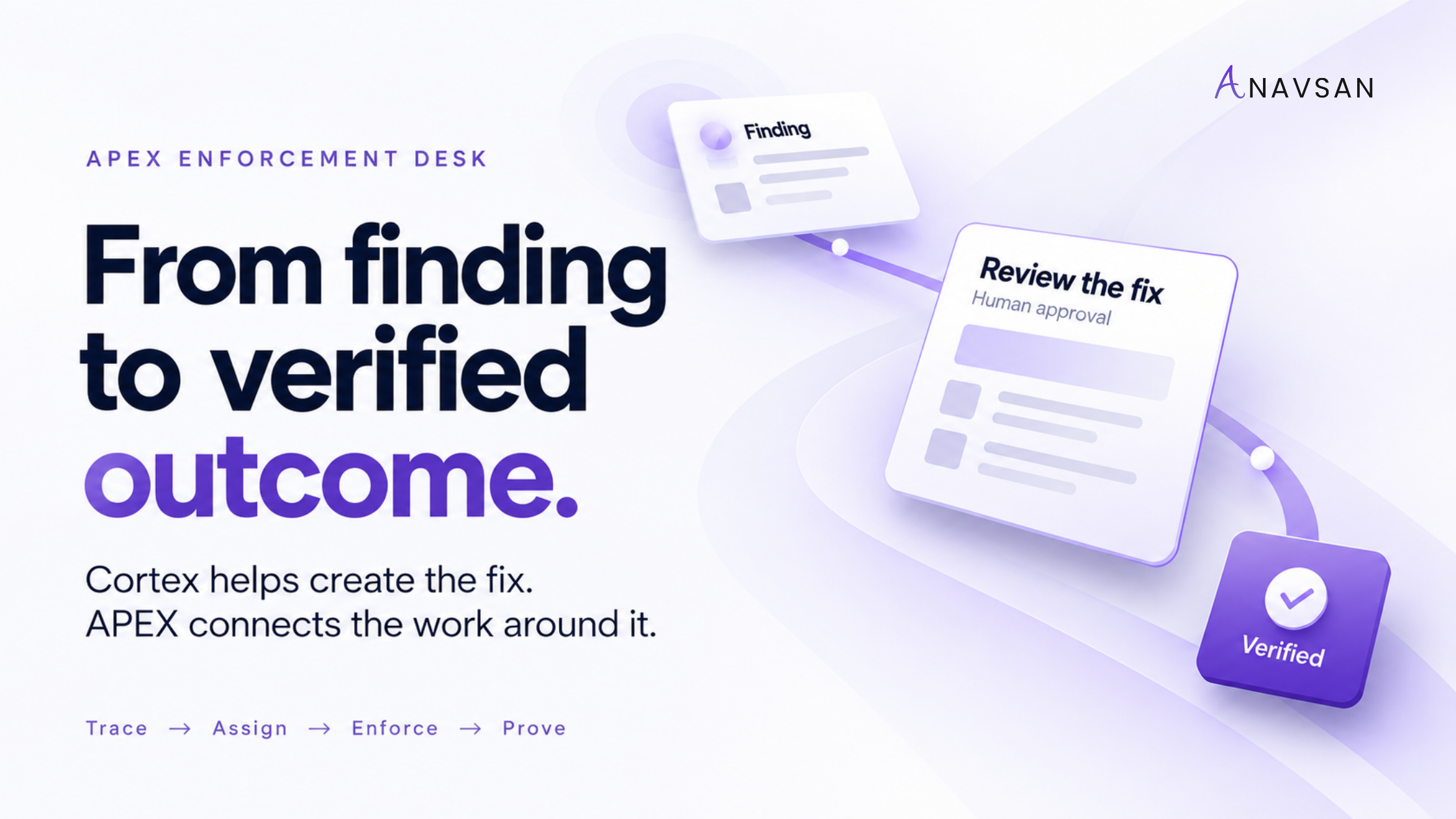
Snowflake Cortex provides powerful AI capabilities. Anavsan’s APEX Enforcement Desk brings workload findings, ownership, suggested fixes, and outcome evidence into a governance workflow. The value is not another place to ask a question. It is a way to organize which issues deserve attention, what should happen next, and whether the change worked. Production changes remain subject to your team’s review.
The next fix starts before anyone writes a prompt
An engineer opens an AI assistant, describes a slow query, and gets a useful suggestion. That is valuable. But several decisions have already happened: someone noticed the query, decided it mattered, found the relevant context, and made time to investigate it.
What about the recurring workload nobody opened? The refresh whose schedule no longer matches its business requirement? The AI pipeline whose cost is rising because the same work runs repeatedly? The finding everyone agrees is real but nobody has taken forward?
These are the problems behind the question, “We already have Cortex. Why do we need APEX?”
The answer begins with the APEX Enforcement Desk. Its purpose is to make workload findings actionable: bring the issue forward, explain it, connect it to ownership, suggest a next step, and keep the outcome attached to the original finding.
Cortex can help with the fix. APEX gives that fix a place in a repeatable operating process.
Cortex is a capable engine. The operating process still matters.
The engine metaphor is useful, provided it does not diminish what Snowflake already provides. Cortex is a family of capabilities, not simply a chat window. Snowflake’s coding agent can work with code and Snowflake context, and Snowflake also documents automation. Teams can use these capabilities to build sophisticated workflows.[1] [2]
That makes the real question more practical: do you want your team to assemble and maintain the workload-governance process around those capabilities, or use a product designed for that process?
A helpful analogy is the engine and the operating system of a fleet. A capable engine matters. So do the maintenance schedule, the person responsible for a fault, the approval for a repair, and the evidence that the repair solved the problem. The analogy describes responsibility; it is not a technical architecture diagram.
With APEX, the Enforcement Desk is the starting point for that responsibility. The conversation begins with a finding and its context, rather than relying on an engineer to decide which question to ask first.
The fix sits inside a larger workflow
-
01
Find + prioritize
Identify recurring issues. Explain the mechanism and impact. Bring the finding to the team.
-
02
Establish ownership
Connect the work to a team. Show the supporting evidence. Surface gaps in attribution.
-
03
Suggest + review
Prepare the context for a fix. Use Cortex in supported workflows. Your team approves deployment.
-
04
Verify the result
Compare equivalent work. Check cost and service requirements. Keep evidence with the finding.
Cortex supports the fix. APEX connects discovery, ownership, review, and evidence.
Make the finding the unit of work
A spend chart helps a team understand where money went. An actionable finding should help it decide what to do next.
For the reader evaluating a governance workflow, six questions matter:
Identify the workload and the behavior being investigated.
Explain the mechanism and the potentially addressable impact.
Connect the issue to an accountable team, with evidence.
State a proposed change or the investigation needed.
Identify requirements, dependencies, and rollback considerations.
Define the baseline and the evidence needed after deployment.
This changes the meeting. “Which warehouse costs the most?” becomes “Which change is worth reviewing, who can approve it, and what would establish success?” A costly workload may be doing necessary work efficiently. A smaller workload may contain a recurring inefficiency that is straightforward to address.
The objective is useful prioritization, not a longer list of alerts.
Trace → Assign → Enforce → Prove
Anavsan describes its governance loop as Trace, Assign, Enforce, and Prove. The Enforcement Desk gives that loop a concrete place to operate.[5]
Trace: identify the issue and assemble the context
Begin with the behavior of the workload. Is the pattern recurring? Has demand changed? Does the suspected waste have a plausible mechanism? What observation window supports the finding?
Good investigation separates a signal from a conclusion. More spend can reflect legitimate growth. Lower utilization can reflect a deliberate reliability requirement. A new account may not yet have enough history for a useful comparison. These distinctions should inform the recommendation before anyone is asked to change production.
Assign: give the issue a decision-maker
The person who ran a query is not necessarily the owner of the business process. A shared service account may execute work for several teams. Ownership needs context, and missing ownership is itself a gap to resolve.
For a useful review, distinguish the implementer from the approver and the consumer. An engineer may change the schedule, while a business owner decides whether a less frequent refresh is acceptable. Naming all three responsibilities can prevent a technically sound fix from breaking an unstated expectation.
Enforce: bring the proposed fix through review
“Enforcement” needs a clear meaning. In this workflow, it means carrying a finding into an explicit decision and an approved change process. It does not mean silently rewriting production.
A fix proposal should carry enough context for an engineer to evaluate it: the observed behavior, the intended change, the assumptions behind it, and the test and rollback plan. In supported workflows, Cortex can help develop that fix. The team still decides whether to deploy.
There are legitimate outcomes besides immediate deployment. A change may be deferred because of a peak trading period, rejected because of a service requirement, or returned for more investigation. Record those decisions honestly; a deferred finding is not a verified saving.
Prove: check what happened after the change
A recommendation estimates an outcome. A test reduces uncertainty. Production evidence establishes what actually happened.
After deployment, compare work that is sufficiently similar to make the result meaningful. Account for volume, schedule, retries, and other changes during the observation window. Check correctness, performance, and freshness alongside cost. If the workload ran less often only because its source failed, lower consumption does not prove successful optimization.
The evidence should travel with the finding. That gives engineering and finance a shared record of the decision and its result, rather than two different stories assembled at month-end.
A practical example: the refresh nobody questioned
Illustrative scenario, not a customer result. A customer-summary refresh runs every five minutes. Its main consumers review the output hourly. That is a reason to investigate, not permission to change the schedule.
The review starts with the requirement: do all downstream consumers accept hourly freshness? Are there alerts or dependent jobs that rely on the existing schedule? Could the larger batch change runtime or failure recovery?
If the owners agree, the team can test a less frequent schedule and compare output, timing, and resource use. The arithmetic is simple: five-minute scheduling produces 288 runs per day; hourly scheduling produces 24. But that does not establish a proportional reduction in cost. Runtime, warehouse behavior, and other workloads can change the economics.
The important deliverable is the decision trail: why the issue was worth reviewing, who approved the requirement, what changed, and what the measured result showed.
A refresh runs every five minutes. Its consumers may need hourly data. Confirm the requirement first.
- Workload: customer summary refresh
- Owner: Analytics Engineering
- Business approver: report owner
- Review the proposed interval
- Check dependent jobs and freshness
- Record a rollback plan
- Correct output and accepted freshness
- Lower measured resource use
- Billing impact reported separately
288 versus 24 scheduled runs per day is a frequency comparison, not a savings promise.
Could we build this with Snowflake? Yes. Define the scope.
A capable engineering team can combine native Snowflake functionality with its own code, processes, and integrations. The build-versus-buy decision should acknowledge that.
It should also account for the system beyond the generated fix. Your proposed internal solution needs answers to the following:
| Layer | What your team would own |
|---|---|
| Usage model | Normalize workload signals, identifiers, observation windows, and cost calculations. |
| Detection | Define meaningful patterns, tune thresholds, and handle incomplete data. |
| Ownership | Maintain mappings as teams, roles, repositories, and services change. |
| Prioritization | Distinguish total spend from addressable impact and account for delivery risk. |
| Fix context | Assemble the evidence and constraints needed for a useful recommendation. |
| Delivery | Connect findings with your chosen repository, ticketing, and approval workflow. |
| Outcome record | Keep baselines, deployment history, exceptions, and measured results together. |
The maintenance work continues after the first version. Workload patterns change. Owners move. Schemas and service capabilities evolve. A detector that worked last quarter may need adjustment this quarter.
There is no universal engineering timeline for this work. Some teams already have much of the infrastructure; others are starting from scratch. The useful comparison is the scope of the operating system you need, the resources required to maintain it, and how well a product fits that scope.
Data + detection
Normalize workload metadata. Maintain rules and baselines. Handle missing or delayed signals.
Priority + ownership
Estimate addressable impact. Rank work with risk in mind. Maintain ownership mappings.
Context + change
Package evidence for the fix. Route through review and deployment. Preserve the decision history.
Proof + maintenance
Define fair comparison windows. Record outcomes and exceptions. Update logic as workloads evolve.
Native capabilities can support this system. Someone still has to own its operation.
Cortex belongs in the cost conversation too
AI capabilities can help optimize workloads while also generating consumption of their own. That makes AI cost part of workload governance.
Snowflake provides native usage reporting and cost-management capabilities, including budgets and controls whose coverage depends on the service. APEX’s value should therefore be explained through workload context and follow-through, rather than a claim that native cost visibility does not exist.[3]
Anavsan’s AI and Cortex offering describes attribution across models, pipelines, and teams. That context helps turn a cost observation into a conversation about the work behind it.[7]
Suppose an AI pipeline’s spend increases. The next questions should be specific: did business demand grow, did the prompt get longer, did retries increase, or did a schedule begin repeating work unnecessarily? Would a different model still meet the quality requirement? Is the proposed change reducing total workload cost or shifting cost elsewhere?
Any model or prompt change needs quality evaluation. A cheaper request is not an improvement if its output causes more retries, more manual correction, or unacceptable business errors.
For measurement, use the appropriate service usage sources and account for associated compute. Snowflake cautions that observability traces are not the authoritative basis for billing totals.[4] Team attribution also depends on the identities and metadata available; unresolved attribution should remain visible.
-
01
Model usage
Track relevant model or service usage. Use the appropriate billing sources. Avoid overlapping cost totals.
-
02
Workload context
Connect spend to pipeline and team. Inspect call frequency and retries. Separate growth from inefficiency.
-
03
Quality + performance
Test output quality and correctness. Check latency and freshness. Retain the required safeguards.
-
04
Verified economics
Compare equivalent business output. Include associated compute costs. Separate estimates from outcomes.
Lower token cost alone does not establish lower end-to-end cost or acceptable quality.
Ask to see one finding all the way through
The most useful evaluation is a walkthrough of a complete finding. Start with what generated it. Inspect its evidence, owner, and proposed change. Then examine how approval works and what is used to judge the result.
Ask the team demonstrating the product to distinguish estimated opportunity, approved work, implemented work, and verified outcomes. Ask what happens when evidence is incomplete or ownership is unclear. Ask whether a closed finding means the issue improved, a person dismissed it, or an observation window ended.
These questions reveal whether a workflow is ready to support day-to-day decisions. They also make the value of APEX easier to assess than a broad argument about one AI tool replacing another.
Put your Cortex investment inside a repeatable process
Cortex is a valuable capability. The work around it still needs a home: which issue to address, who should decide, what context the fix requires, and how to establish the result.
The APEX Enforcement Desk makes that work the focus. Start with the finding. Bring the evidence to the owner. Review the fix. Verify what changed.
See the APEX Enforcement Desk in action
Walk through a finding, its proposed next step, and the evidence used to assess the outcome.
Frequently asked questions
Continue reading
- What Is a Workload Governance Agent? — how Trace → Assign → Enforce → Prove closes the gap after detection
- Native anomaly detection vs APEX — what happens after a cost spike is found
- Which workload should you optimize first? — choosing the next fix with addressable impact
- Snowflake Cortex visibility on Anavsan — AI usage context for optimization
- AI & Cortex — Anavsan’s Cortex attribution offering
- Anavsan APEX
References
- Snowflake, Coding Agent
- Snowflake, Introduction to tasks
- Snowflake, AI cost management and governance; see also Monitor credit usage with budgets
- Snowflake, AI Observability with Snowflake Cortex
- Anavsan, Trace → Assign → Enforce → Prove
- Anavsan APEX overview; see also How Anavsan Works
- Anavsan, Snowflake AI & Cortex Visibility